SimuLive Workspace
Automated Webinars for Your Whole Team
SimuLive Team
Product and Marketing
One person running automated webinars is simple. A team doing it is not. Logins get shared, hours run out on the wrong account, recordings live in five different drives, and nobody is quite sure who changed the Tuesday demo.
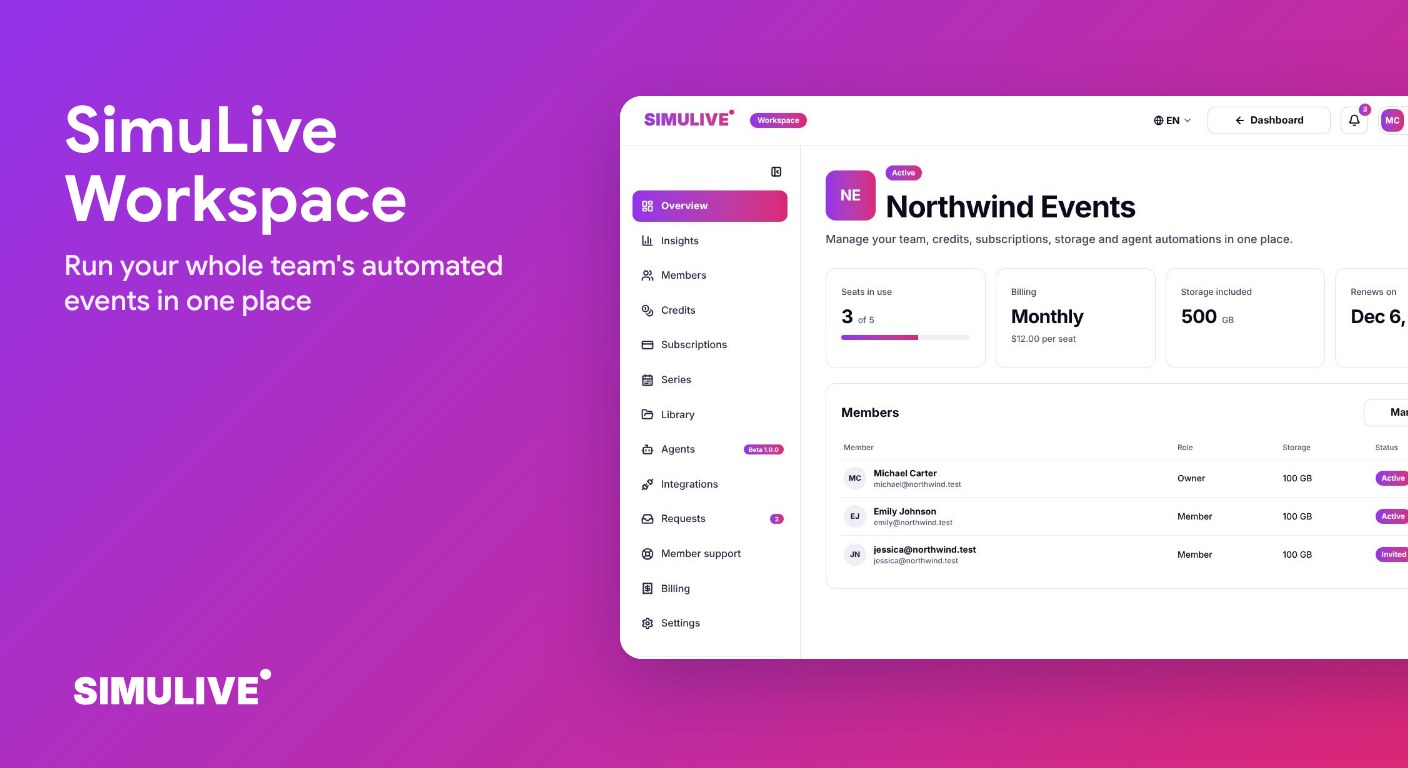
SimuLive Workspace fixes that. It gives your team one place to invite people, share hours, store files, build repeatable events, connect meeting accounts and stay informed, with clear roles so everyone sees exactly what they should.
What You Will Learn
What is SimuLive Workspace?
Workspace is SimuLive for teams. It sits next to your personal dashboard and brings members, shared credits, a private library, series, integrations, requests and notifications together in one app. Everything you already know from SimuLive still applies: pre-recorded content, chat simulation, virtual participants and SimuHost, the AI co-host.
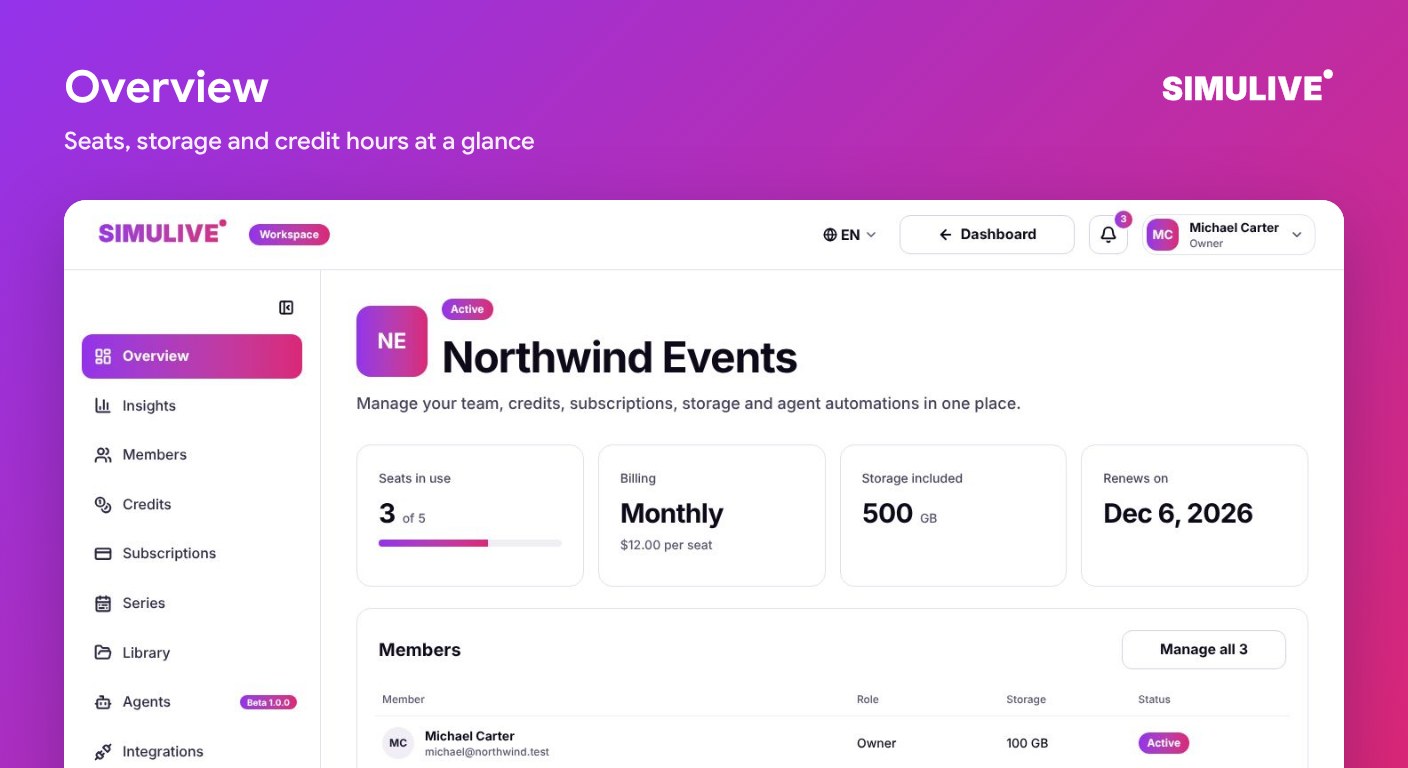
The overview shows the essentials at a glance: seats in use, billing period, storage included, renewal date and the people on your team.
Who Workspace Is For
Any team where more than one person runs or supports automated events.
Marketing teams
Run evergreen webinars for several products or regions, each owned by a different person, with one bill and one shared pool of hours.
Agencies
Give every account manager their own space for client events while admins keep an eye on usage, storage and support.
Training and enablement
Schedule repeat onboarding sessions for customers or staff, and keep every recording, slide and chat script in one library.
Sales teams
Let each rep host automated product demos from their own Zoom, Microsoft Teams or Google Meet account without sharing logins.
Members and Roles
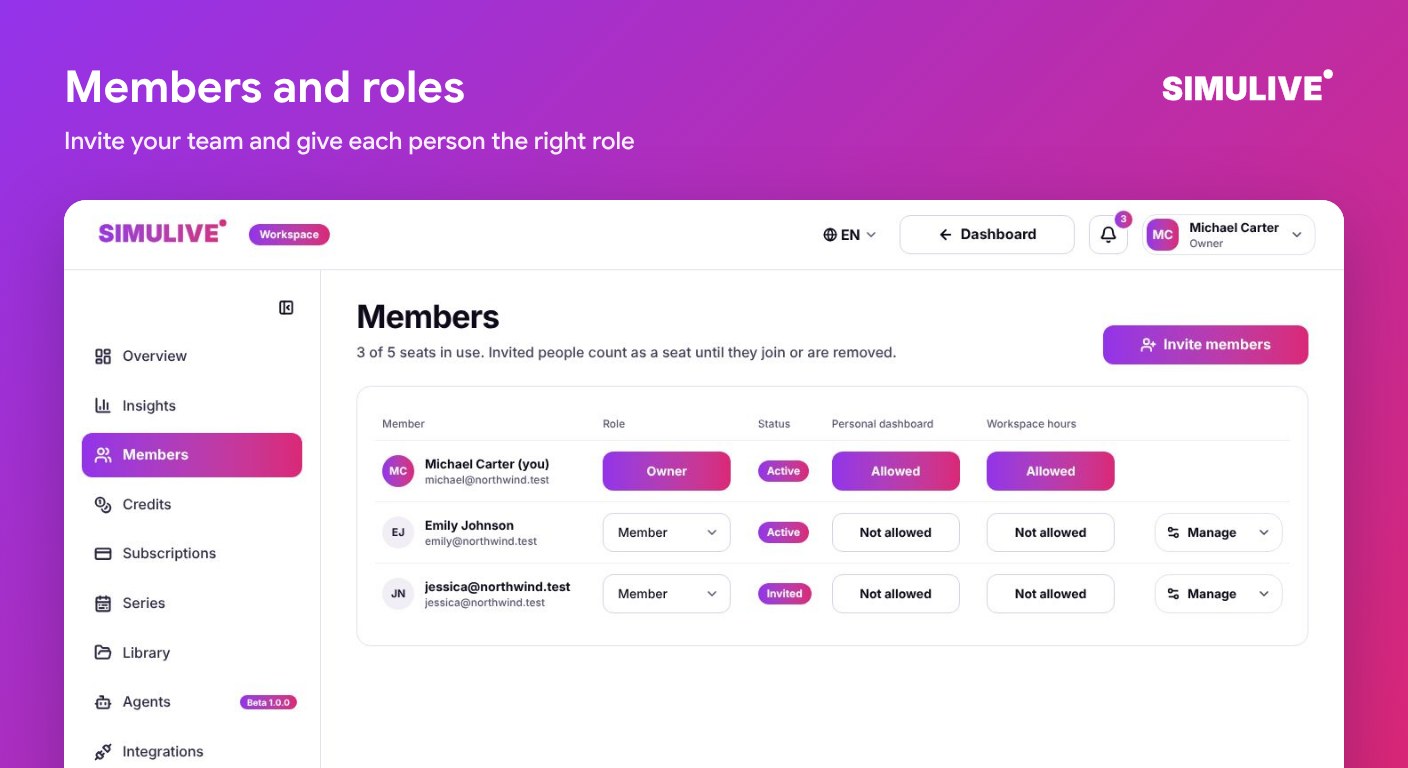
Invite people by email or share an invite link. Each invite walks the person through sign up and joining in a few clear steps, and pending invites can be resent at any time. An invited person counts as a seat until they join or the invite is removed.
Every person has one of three roles. The owner holds billing and full control. Admins manage members, credits, series and requests. Members run their own events and only ever see their own data.
Pause or remove
Pause a member to stop their access without losing their work, or remove them to free the seat.
Dashboard access
Choose per member whether they can open their personal dashboard and whether they can move workspace hours into it.
Profile photos
Members add a photo with a built-in crop, so the team is easy to recognize across the app.
Shared Credits
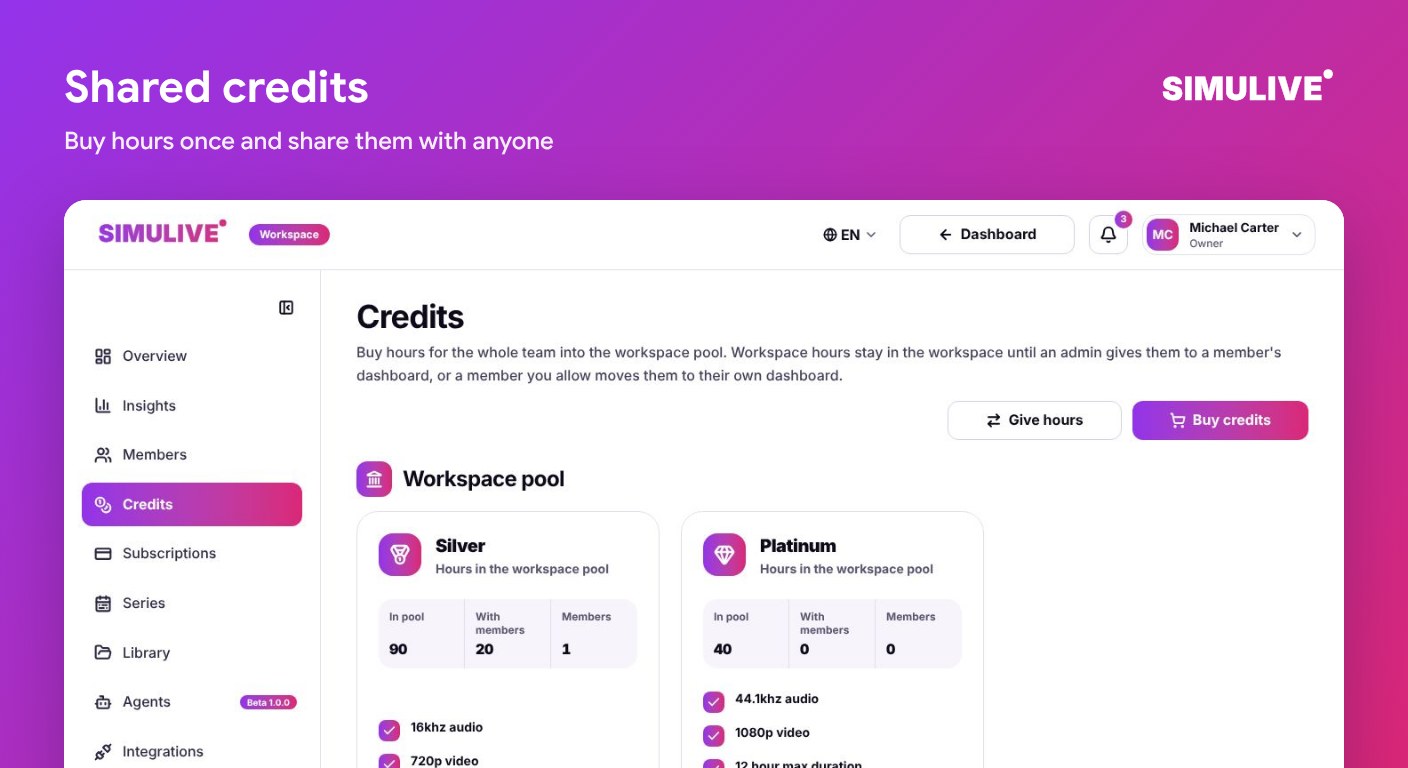
Buy hours once into the workspace pool and share them with anyone on the team. Workspace hours stay in the workspace until an admin gives them to a member, or a member you allow moves them to their own dashboard.
Each plan in the pool shows hours available, hours already with members and how many members hold them, so you always know where your hours went. Diamond metered plans are supported too, and admins can start, move or cancel member subscriptions from the same place.
A Private Library for the Whole Team
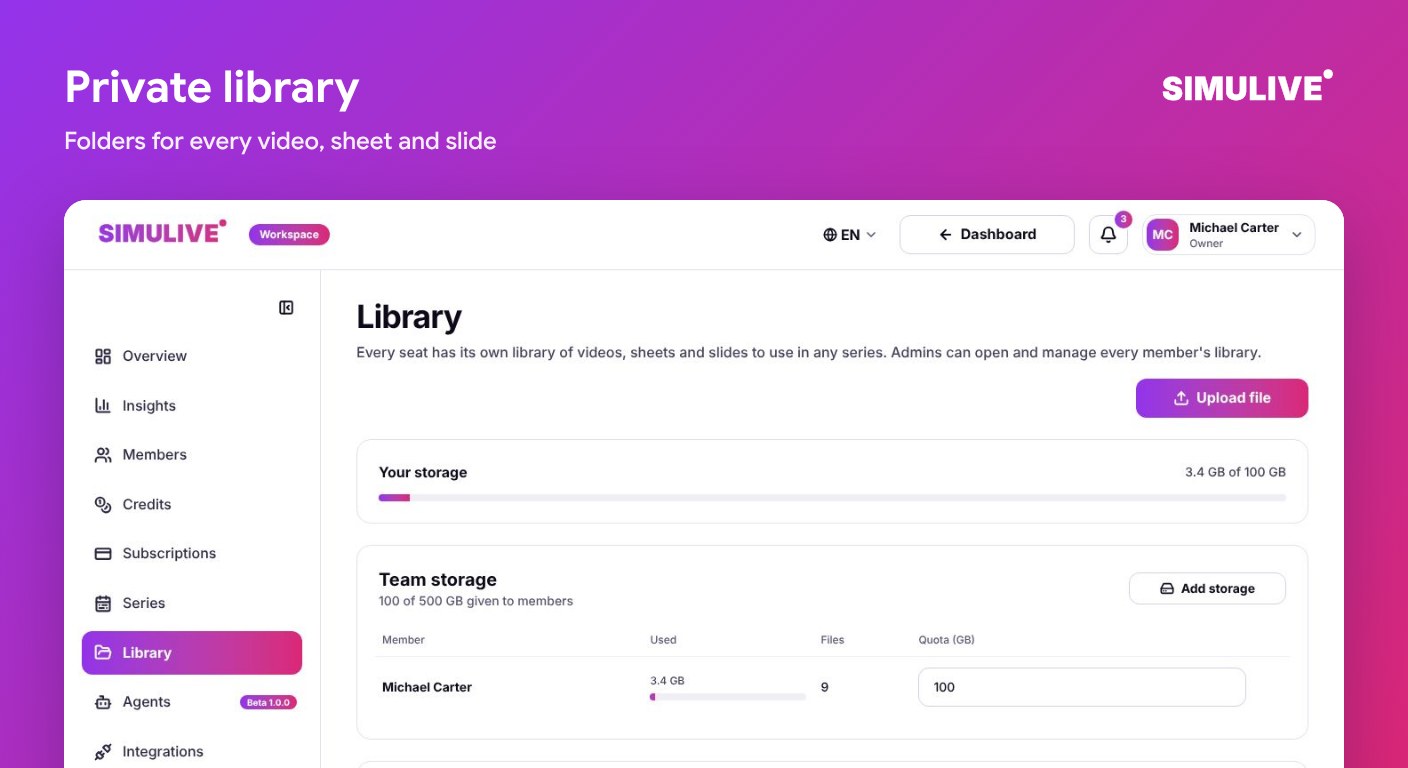
Every workspace gets its own private storage, created automatically. Each seat includes 100 GB, and admins can set how much each member may use. Upload videos, registrant sheets, chat scripts and slides once and use them in any series.
Organize files in folders up to six levels deep, for example Webinars/2026 or Chat scripts. Move files between folders, rename, replace, download or delete them, and search across every folder at once. Previews open right in the app for videos, images, PDFs, sheets and text files. Admins can open any member's library when they need to help.
Series: Build an Event Once, Run It Again and Again
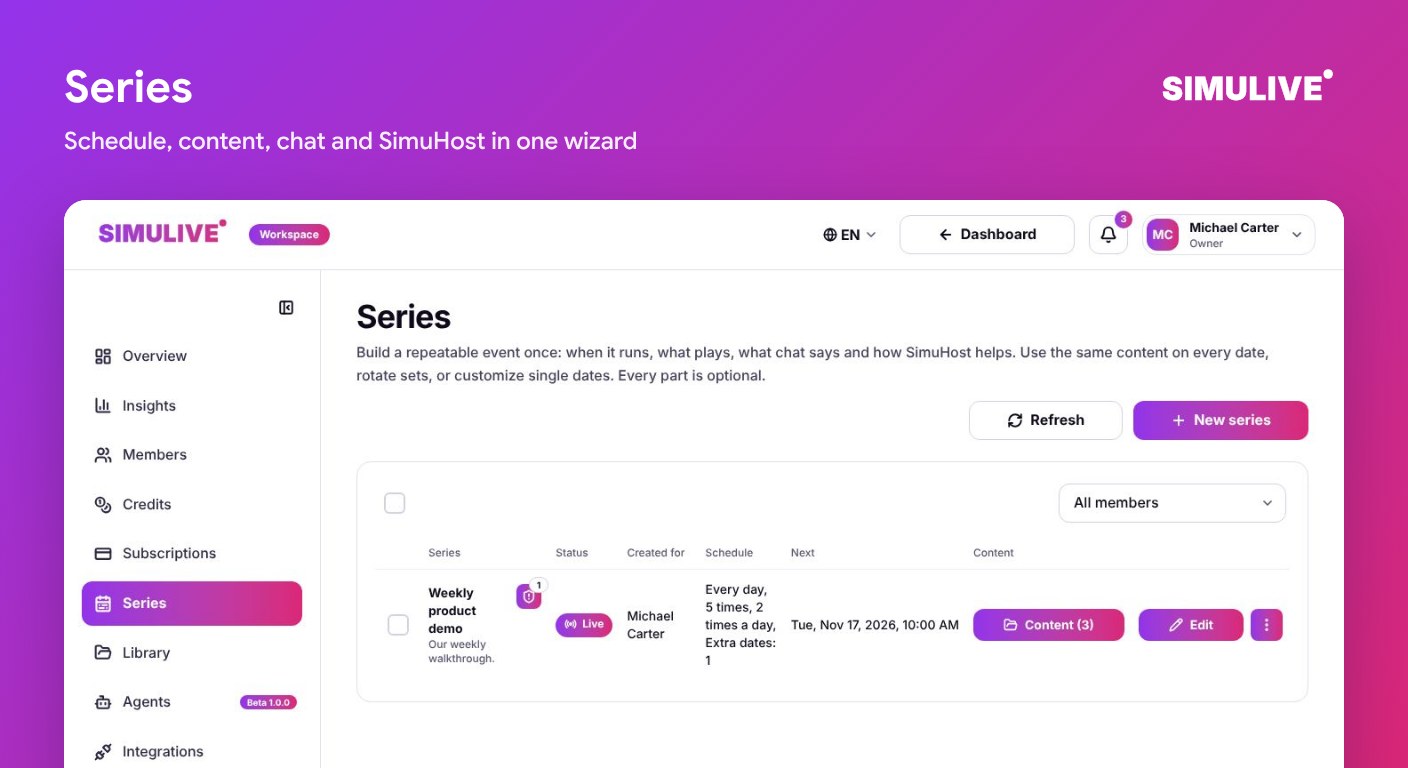
A series is a repeatable automated event. A short wizard walks you through it: details with a rich description, a schedule with its own time zone (for example 10:00 AM New York time), the content that plays in each slot with a preview and playlist, the plan and sets to use, SimuHost, the AI co-host, and which meeting account runs it.
Review everything on one page, then create the series. Edit, duplicate or delete it later, and see changes from teammates appear in the list without refreshing. Admins can create a series for another member, and the owner of that series is notified when someone else changes it.
Integrations
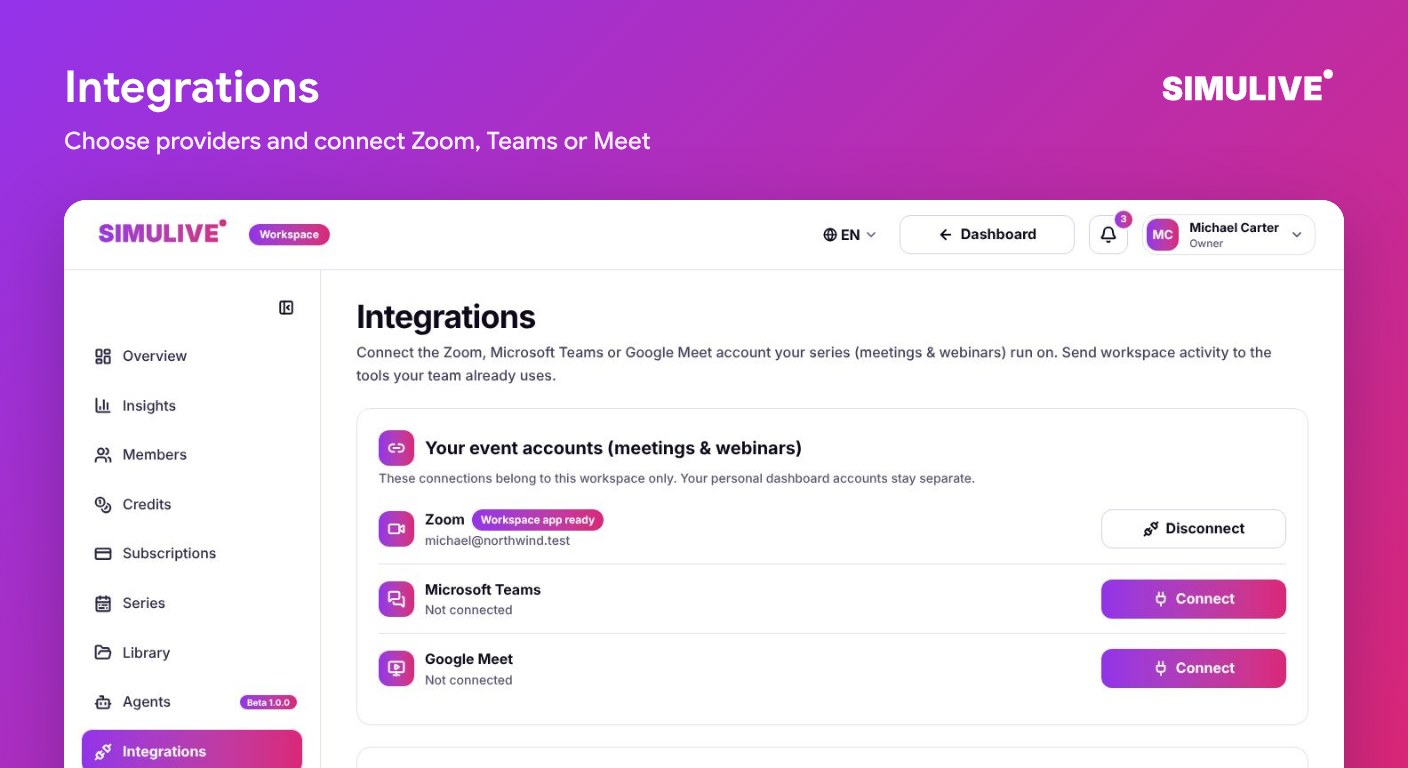
Admins choose which meeting providers the team may use: Zoom, Microsoft Teams and Google Meet. Members then connect their own accounts, and these workspace connections stay separate from their personal dashboard accounts.
Organizations that prefer central control can add workspace apps instead: a Zoom Server-to-Server app, a Microsoft Teams Entra app or a Google service account with domain-wide delegation.
Slack, Teams and Discord
Send workspace activity to the channels your team already reads.
Custom webhooks
Add up to 10 webhooks, pick the events each one receives, and verify every delivery with a signed header. Send a test event before you rely on it.
Requests
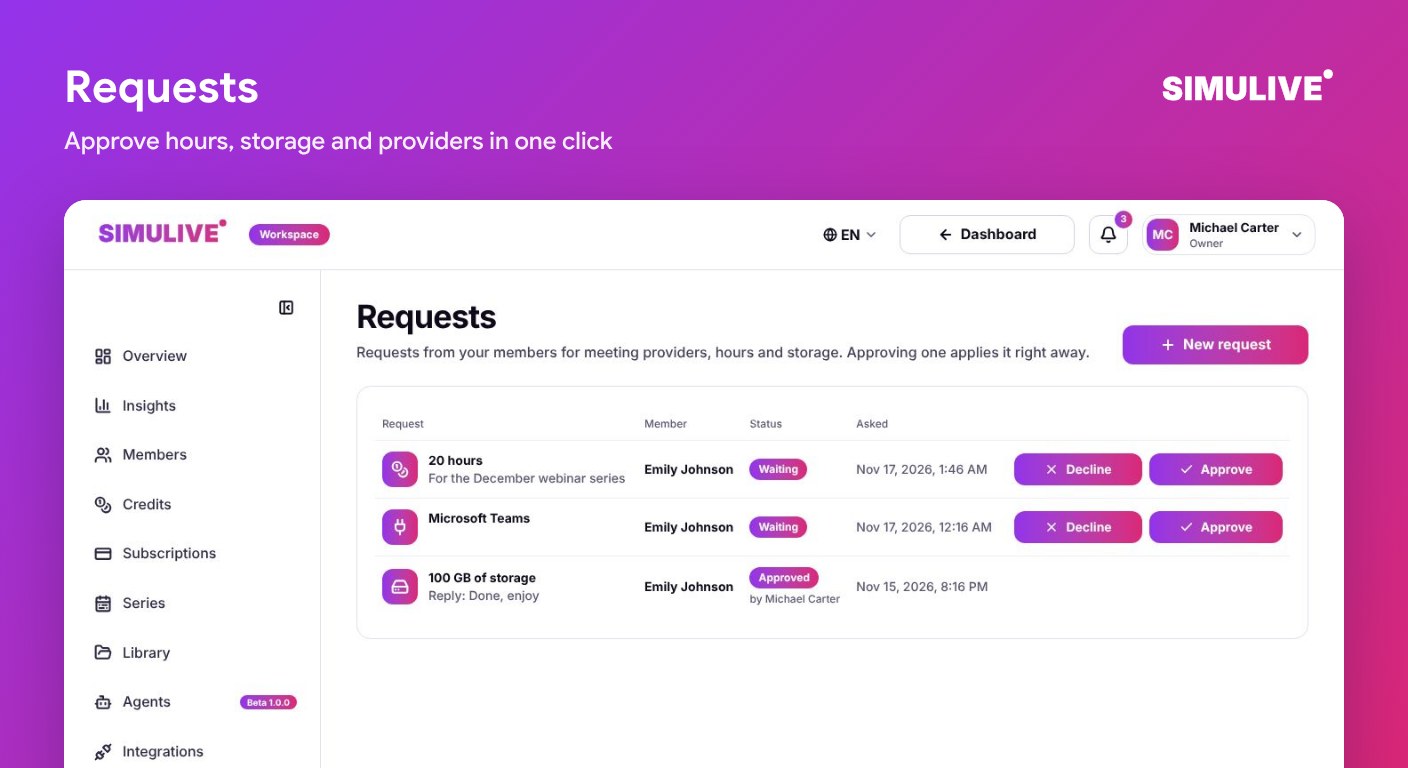
Members ask for what they need without chasing anyone: a meeting provider, more hours or more storage. Each member can keep up to 10 open requests at a time.
Admins approve with one click, and the change is applied right away, or decline with a short reply that explains why. The list updates live for everyone.
Notifications
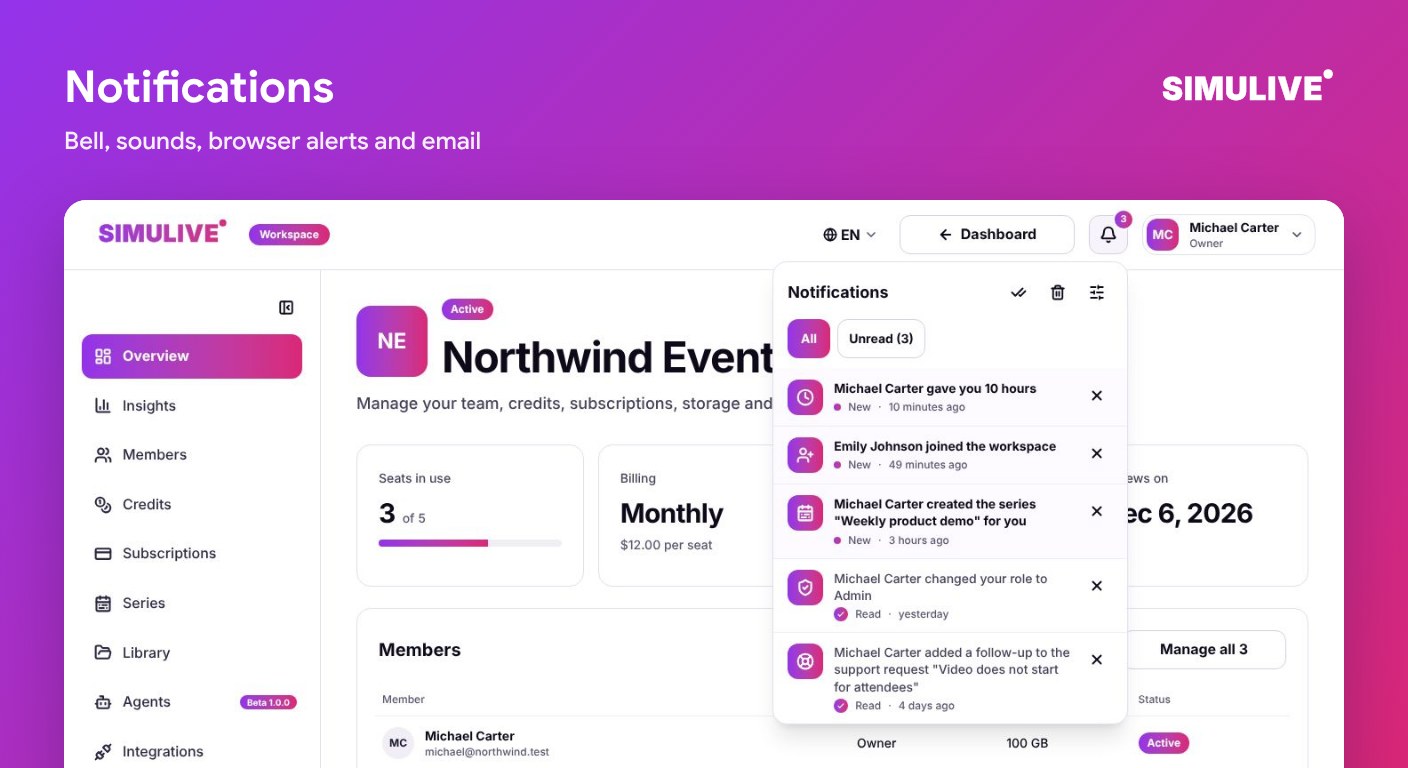
The bell shows what changed: a member joined, hours arrived, a series was updated, a request was answered or a support ticket has a reply. Filter by All or Unread, mark items as read, clear one or all, and jump straight to the right section.
Choose a sound (Chime, Pop, Bell or none), turn on browser alerts and email notifications, and decide whether each member follows the workspace defaults or their own settings.
Agents and MCP
Agents and MCP are in beta (1.0.0). Create an agent key, confirmed with a verification code, and connect the AI tools your team already uses through the SimuLive MCP server. Revoke a key at any time and it stops working straight away.
Security and Privacy
Sensitive actions ask for a verification code. Each workspace has its own private storage, and members only see their own data, while admins see what they need to manage the team. The app is available in 14 languages, with a full right to left layout for Arabic.
Pricing
Workspace is priced per seat, so you pay for the people on your team. Hours for events come from the credits you buy into the workspace pool.
$12 per seat per month
Billed monthly. Change seats as your team grows.
$90 per seat per year
Billed yearly, the lower price per seat.
From 3 seats
A workspace starts with at least 3 seats, including the owner.
100 GB per seat
Extra storage is $5 per 100 GB per month.
See every detail on the Workspace pricing page. Billing in the app shows your seats, card, invoices and extra storage, and lets the owner cancel or resume at any time.
How to Get Started
Sign in to SimuLive and open the Workspace page in your dashboard.
Choose monthly or yearly billing and the number of seats, at least 3.
Pay securely with Stripe. You return to the workspace and it opens as soon as it is active.
Name your workspace and add a logo and banner in Settings.
Invite your team by email or link and give each person a role.
Buy credits into the pool, connect a meeting provider and create your first series.
Prefer to watch? The complete guide covers every section for owners, admins and members.
Need help along the way? Every section of the app has its own help center, and the Workspace knowledge base walks through each task step by step.
Frequently Asked Questions
More questions?
View All FAQsConclusion
Workspace gives a team everything it needs to run automated events together: clear roles, one pool of hours, one private library, repeatable series and the integrations your people already use. Admins stay in control, and members get a clean space focused on their own events.
Ready to set it up? Read the full Workspace user manual for a complete step by step walkthrough.
Ready to Bring Your Team Together?
Start a Workspace from $12 per seat per month and run every automated event your team owns from one place.